
Score any property from a single address.
Type one address and hit Scan Deal. The platform pulls ARV from comps, a Comparable Sales table, owner of record, rehab estimate, deal math, and a transparent 0-100 score onto one screen. Print the report or download the comps when you're done.
Included with every REI Data Pros subscription · Cancel anytime
See it work
Five screens, start to finish.
Real screenshots from the product, not mockups. Click through the stages.
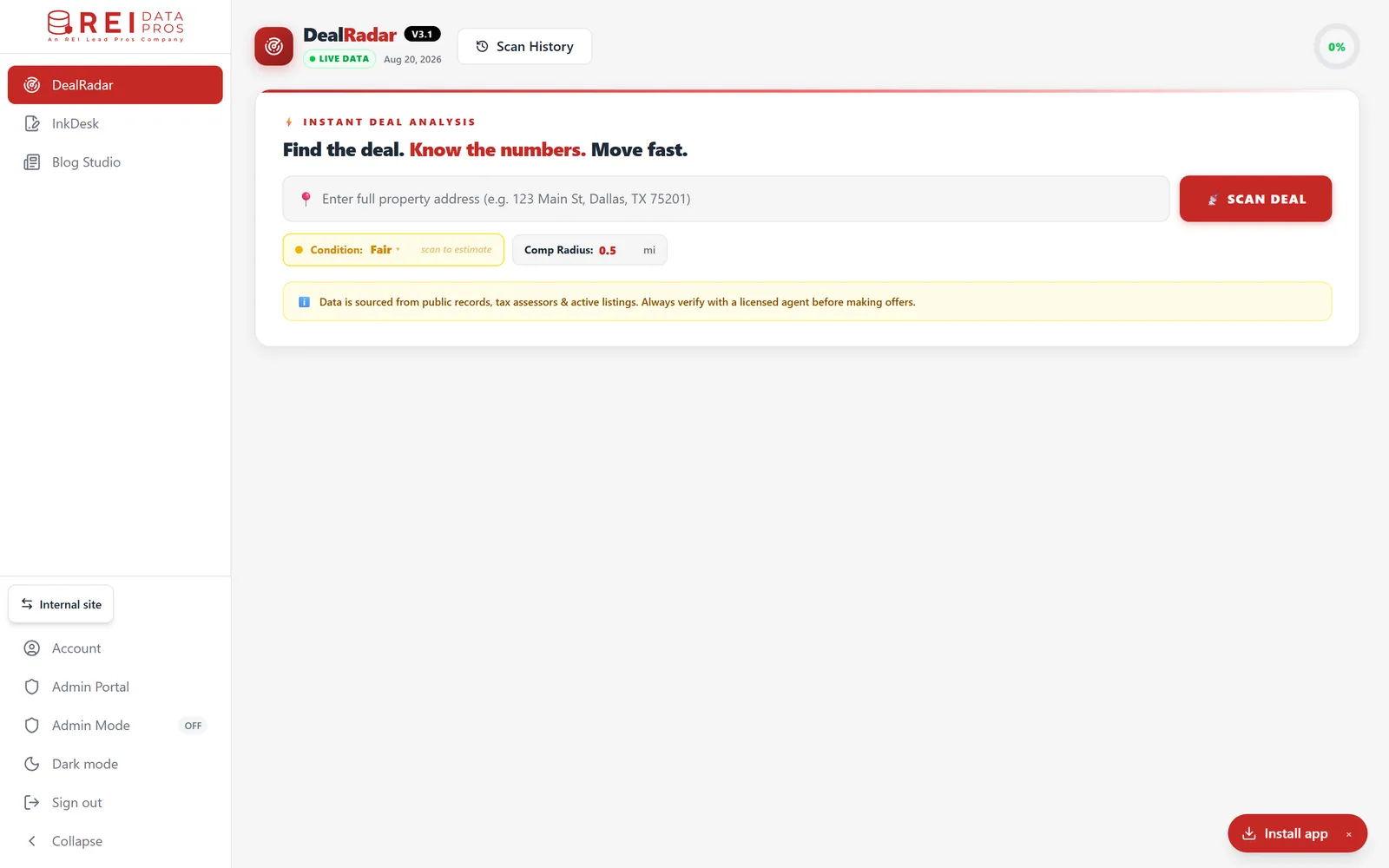
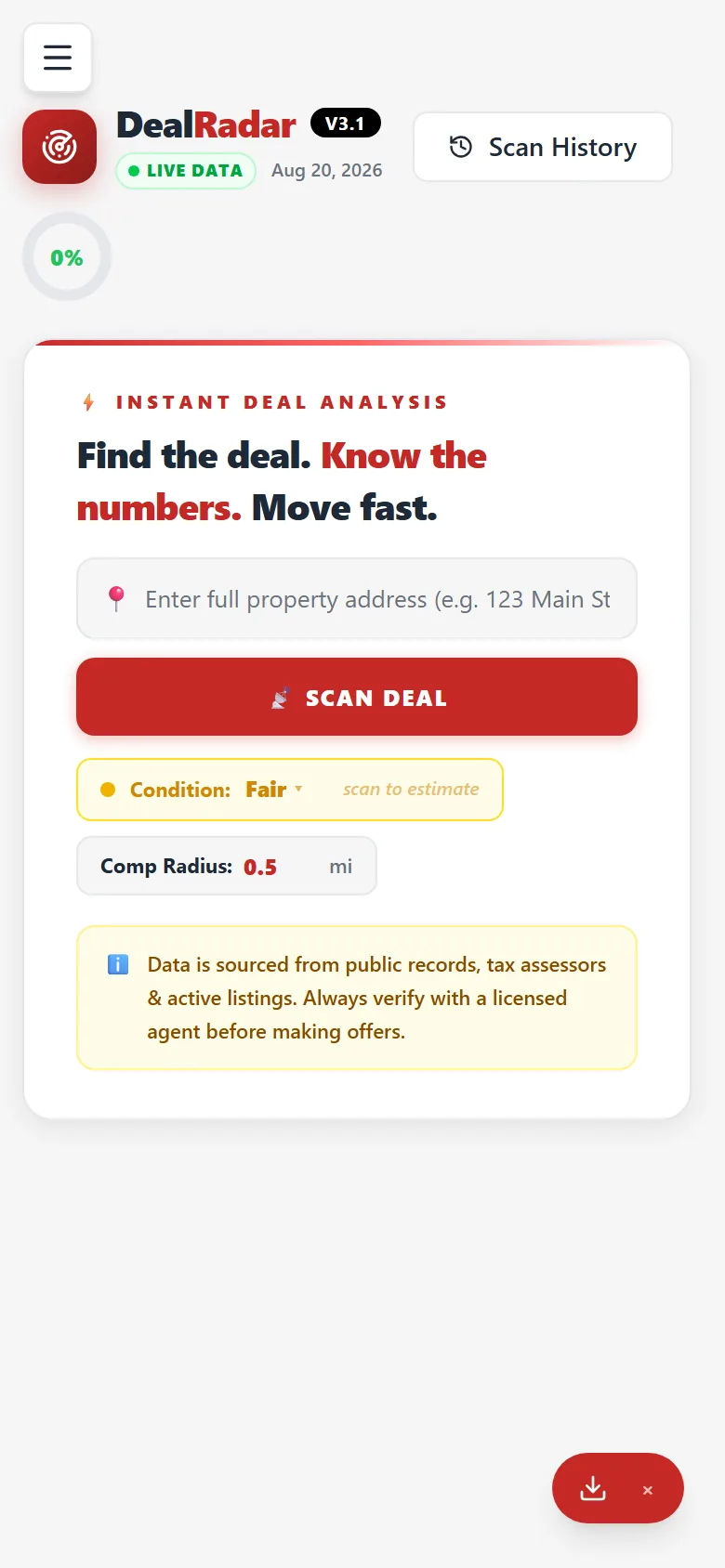
Live screenshot, captured at V3.1
Why this exists
Most data tools dump rows on you and call it a day.
Every REI operator we've called for in seven years has the same problem. Not enough leads? No, they have too many. The problem is figuring out which 30 of the 300 are actually worth dialing.
Bulk data platforms give you raw data. Driving-for-dollars apps give you a route to drive. Skip-trace tools give you phone numbers. None of them tells you which property is the deal. That decision still happens in your head, in a spreadsheet, after 30 minutes of comping comps and reading remarks.
DealRadar is the scoring layer. Type one address and it pulls comparable sales, runs the deal math, reads the owner of record from public records, and pulls the owner of record, then gives you a single 0-100 number to act on. The score is transparent and built from 5 weighted factors, the comps are shown line-by-line, and when you're done you can print the report or download the comps.
What's in the box
Six features. One workflow.
Single-address scoring
Type any US address and hit Scan Deal. Within a minute, you have a 0-100 deal score, ARV from comparable sales, MAO, rehab estimate, comps table, and owner of record, all in one screen.
- →Score, ARV, comps and owner of record, all on one screen
- →Typical scan completes in about a minute
- →Single-address workflow: one property, one scan, one screen
- →Re-scan the same address any time as records update
Owner of record from public records
DealRadar reads owner information straight from public tax-assessor records and shows it read-only inside the scan, so you know who holds title before you make a move.
- →Owner name, mailing address, and owner-occupied flag
- →Sourced from public county tax-assessor records
- →Read-only: no phone or email contact data
- →Pairs with the deal math to qualify the lead
Owner of record, straight from public data
The owner name and mailing address on the tax-assessor record, alongside sale and tax history, so you can tell an absentee or long-tenure situation from a dead end at a glance.
- →High Equity, High Tax Burden, Under/Over-Assessed
- →Absentee Owner, Long Tenure (10yr+)
- →Stale Last Sale, Flipper history
- →Each signal flagged on the card so you can read the situation fast
Real comps, not algorithmic estimates
ARV is built from comparable recorded sales, not an opaque black-box estimate. Adjust the comp radius and the Comparable Sales table updates line-by-line so you can audit the comp set yourself.
- →ARV drawn from real comparable sales, not algorithmic estimates
- →Adjustable comp radius to tighten or widen the comp set
- →Comparable Sales table surfaces every comp line-by-line
- →Download the comp set as CSV for your own files
Deal math built in
Deal math, MAO, rehab, and exit-strategy calculators plus rental analysis, all built into the scan. No spreadsheets.
- →MAO = ARV × buy factor − rehab − wholesale fee (operator-adjustable)
- →Rehab estimate built into the deal math
- →Exit-strategy calculators for your hold or flip plan
- →Rental analysis for buy-and-hold scenarios
Transparent 5-factor deal score
The 0-100 deal score is composed from 5 weighted factors so you can see exactly why a property scored where it did, no opaque single number.
- →Rehab Load and Data Quality
- →Equity / Spread and Cash Flow
- →Seller Signal
- →Weighted into one transparent 0-100 score
The 4-step workflow
From address to a scored deal from one address.
Type an address
Enter a single property address and hit Scan Deal, one address at a time.
Sources pull together
Comparable sales, county tax-assessor records, and rental data come together into one scan result.
5-factor deal score
Composite 0-100 score from 5 weighted factors so you can see exactly why a property scored where it did.
Decide, then print or export
Print the report or download the comps as CSV, then start a New Scan on the next address.
What ships
Concrete capabilities, not pitch-deck claims.
The list below describes what's actually in DealRadar today. Want exact latency numbers on your list? Run a free scan after sign-up.
Type one address, hit Scan Deal. One property at a time, focused, not bulk.
Rehab Load, Data Quality, Equity/Spread, Cash Flow, and Seller Signal, weighted into a transparent 0-100 score.
Owner of record and mailing address, plus sale and tax history from public records.
Owner name, mailing address, and owner-occupied flag, read-only from public tax-assessor records.
ARV built from comparable recorded sales with an adjustable comp radius and a full Comparable Sales table.
Print the report, download comps as CSV, or start a New Scan, plus deal math, exit-strategy, and rental calculators.
Your next deal is one scan away.
Starter puts DealRadar in your hands from day one. Run it against the property addresses you are actually working before you decide whether you need the bigger run allowance.